Conducting transactions in BankKing
Transfer between accounts
Between your accounts
To make a payment to the beneficiary’s account, click on the
Transferbutton and selectTransfer
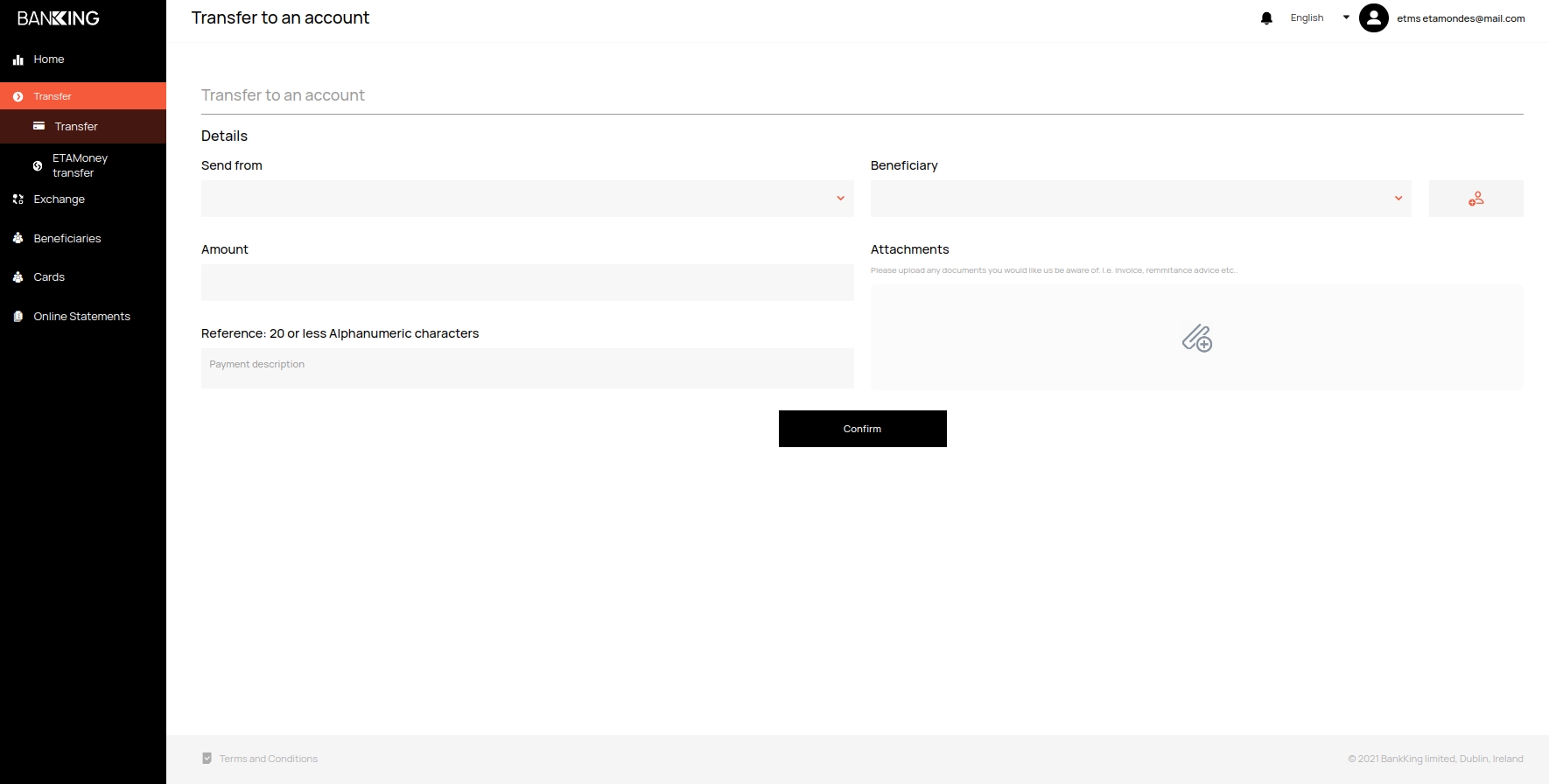
Fill in which account you are transferring from, to which beneficiary, specify the amount of the transfer and you can additionally attach a document for additional information
Between ETA customer accounts
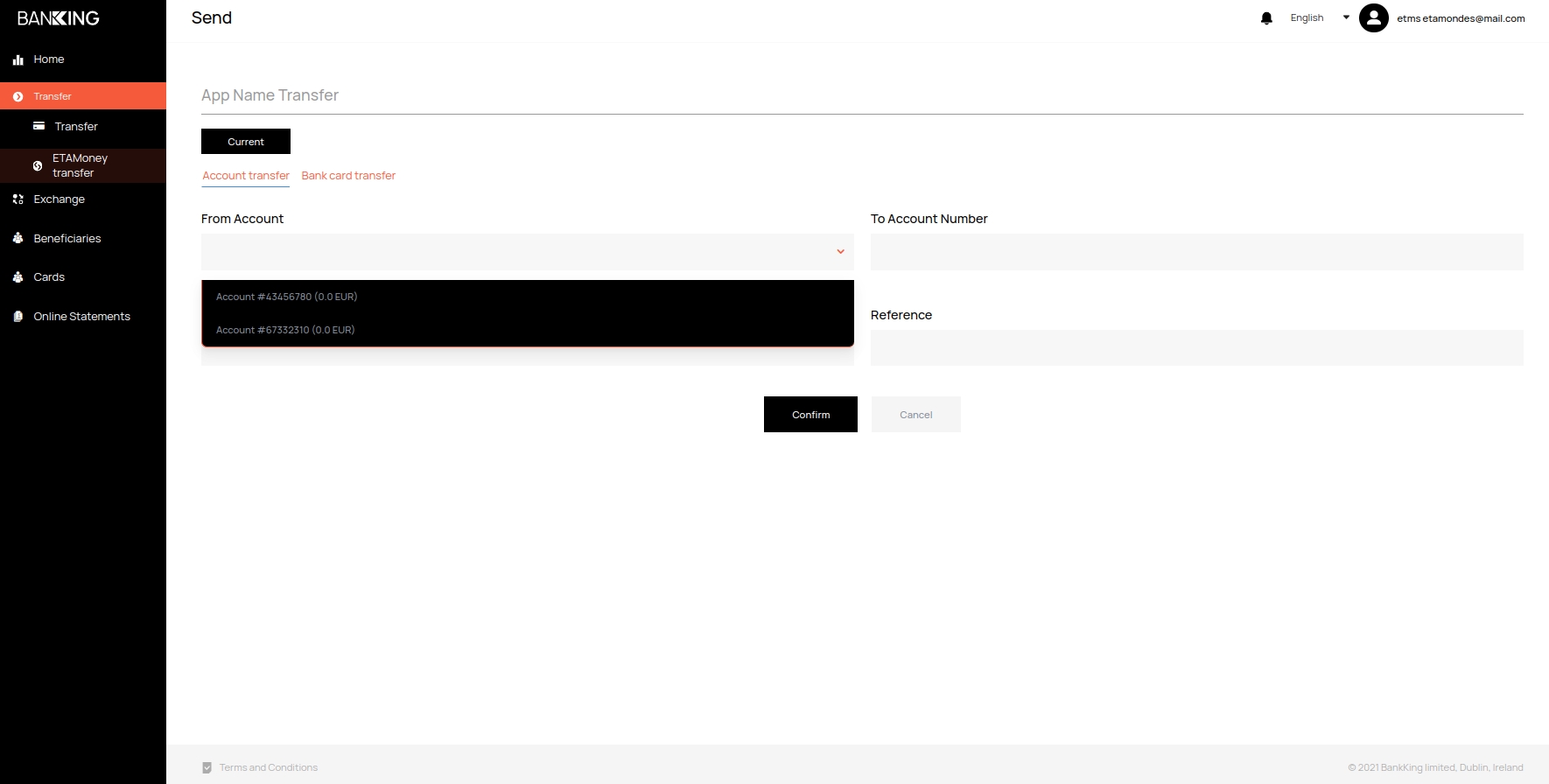
To make a payment between ETA customer accounts, click on the
Transferbutton and selectETAMoney transfer. Select from the list the account from which you want to make the transfer and fill in the rest of the data. Then click on theConfirmbutton
Institution of beneficiaries
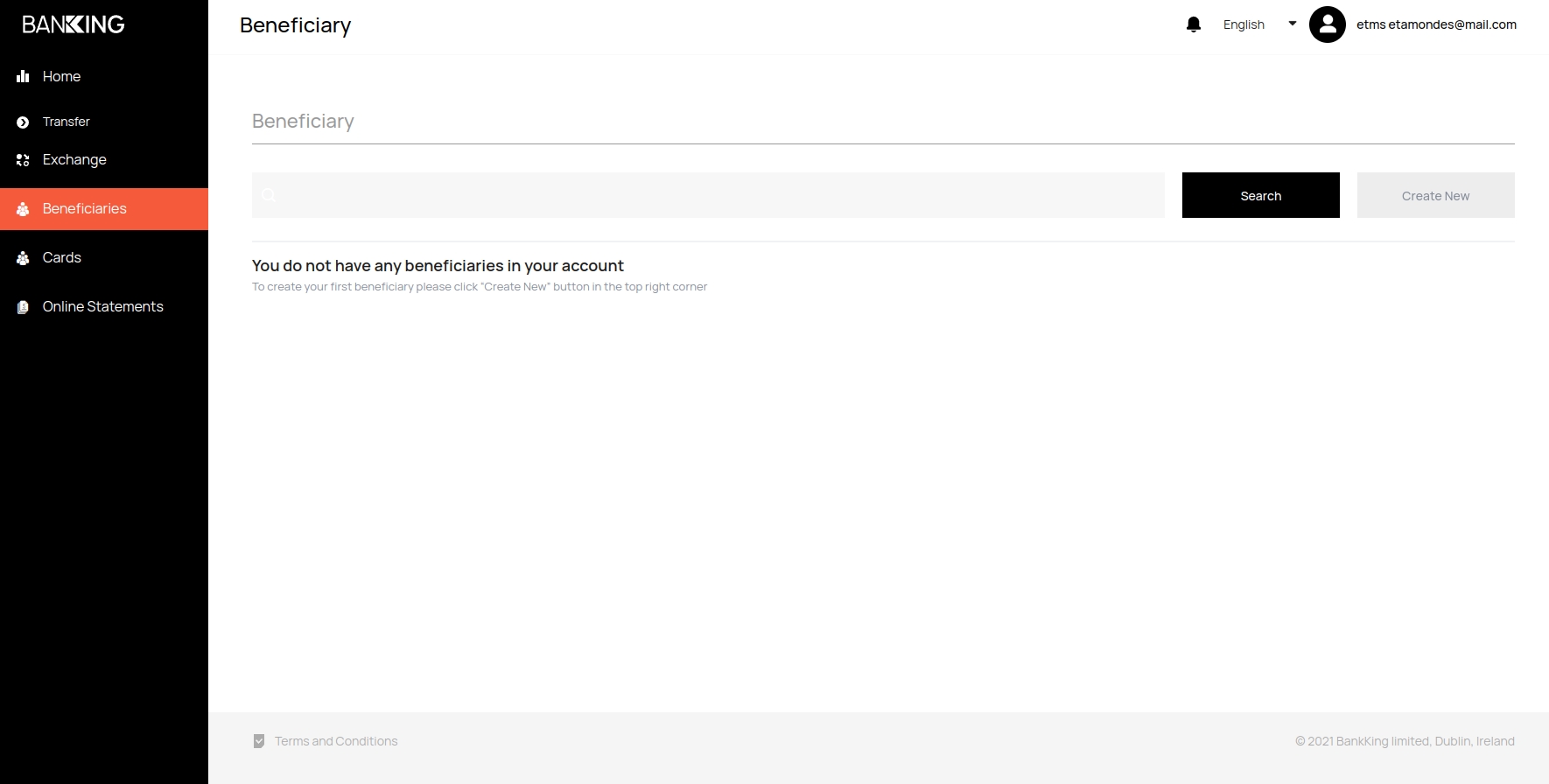
To create a new beneficiary, click on the
Beneficiarybutton and click theCreate Newbutton on the right
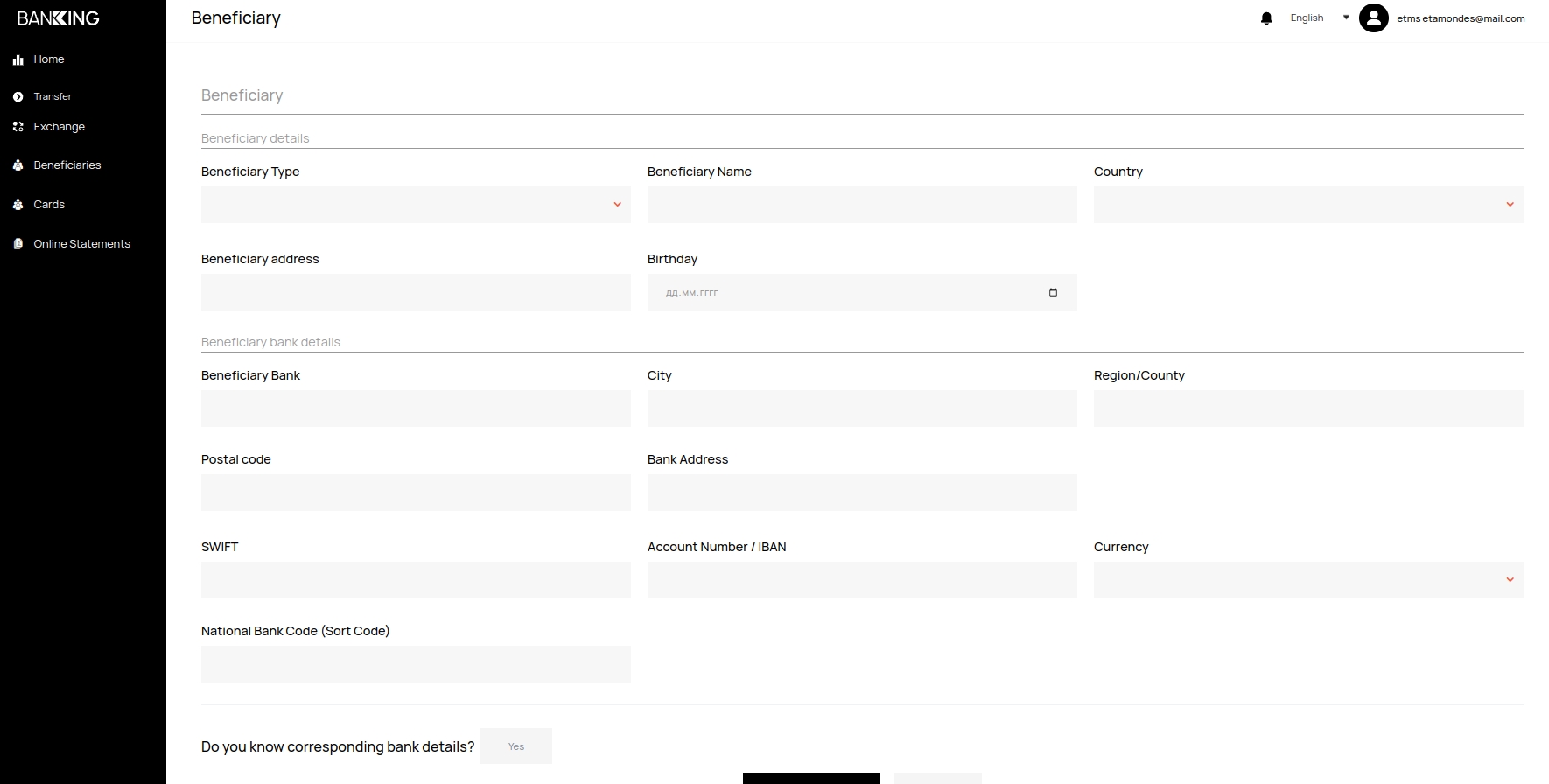
Fill in all the necessary information about the beneficiary and click on the Confirm and save button
Conducting Exchange operations
To exchange currency, you can use the
Exchangetab
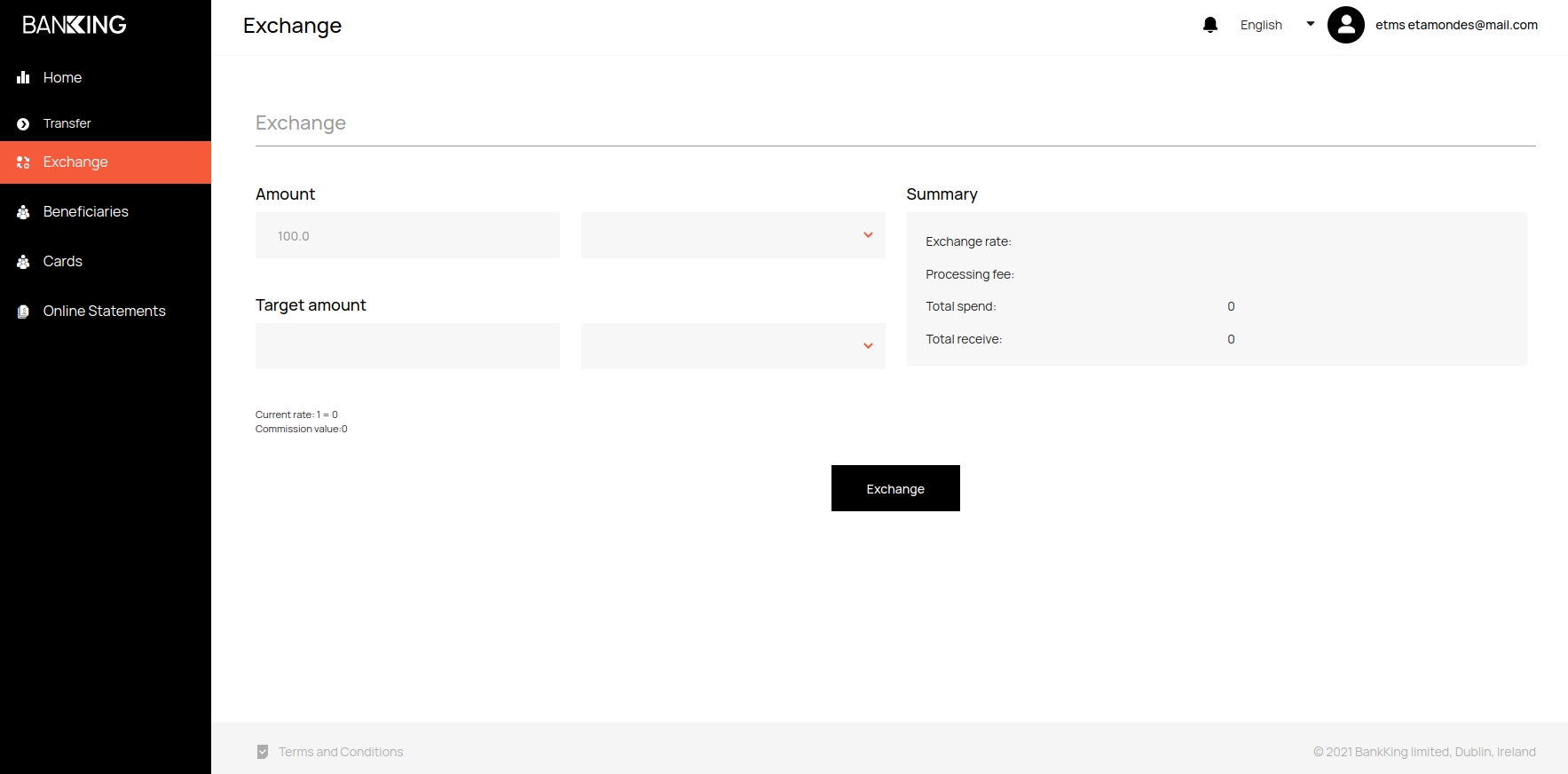
Select the invoices to send and deposit. All the information on the transfer, including the commission, will be displayed on the right
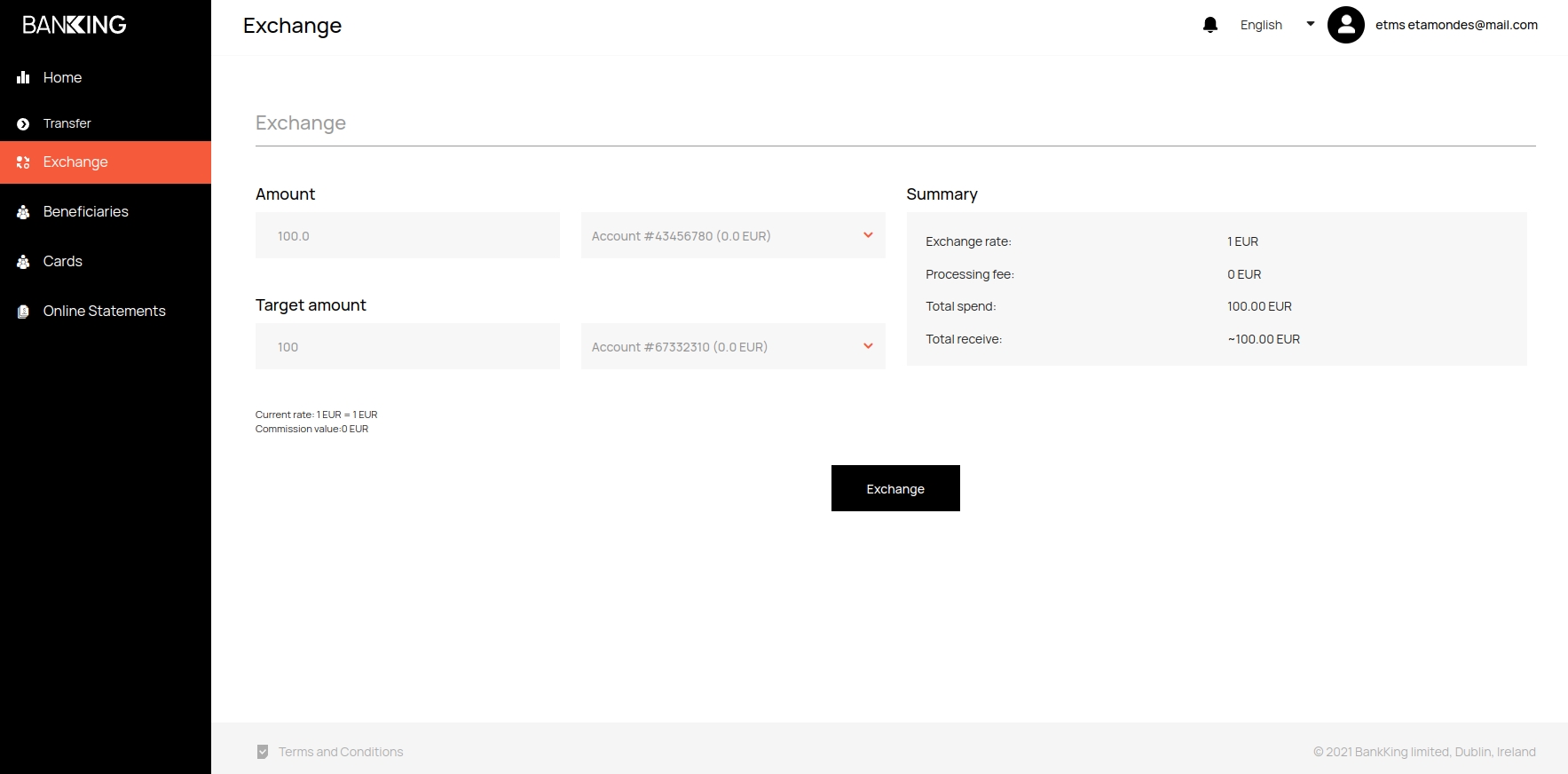
Click the
Exchangebutton
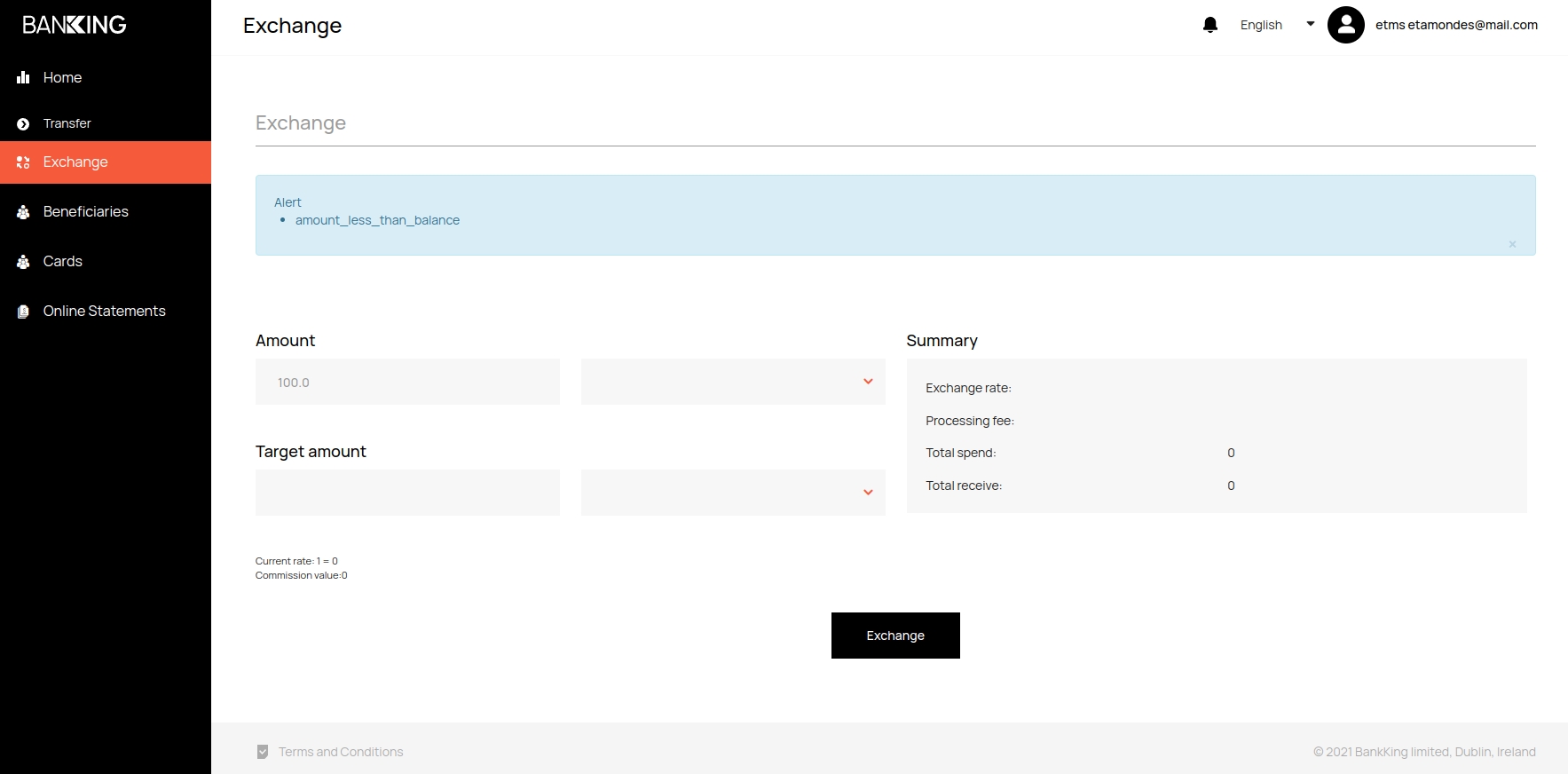
Note
If there is an insufficient amount on the account, an error message will be displayed
Formation of a bank statement
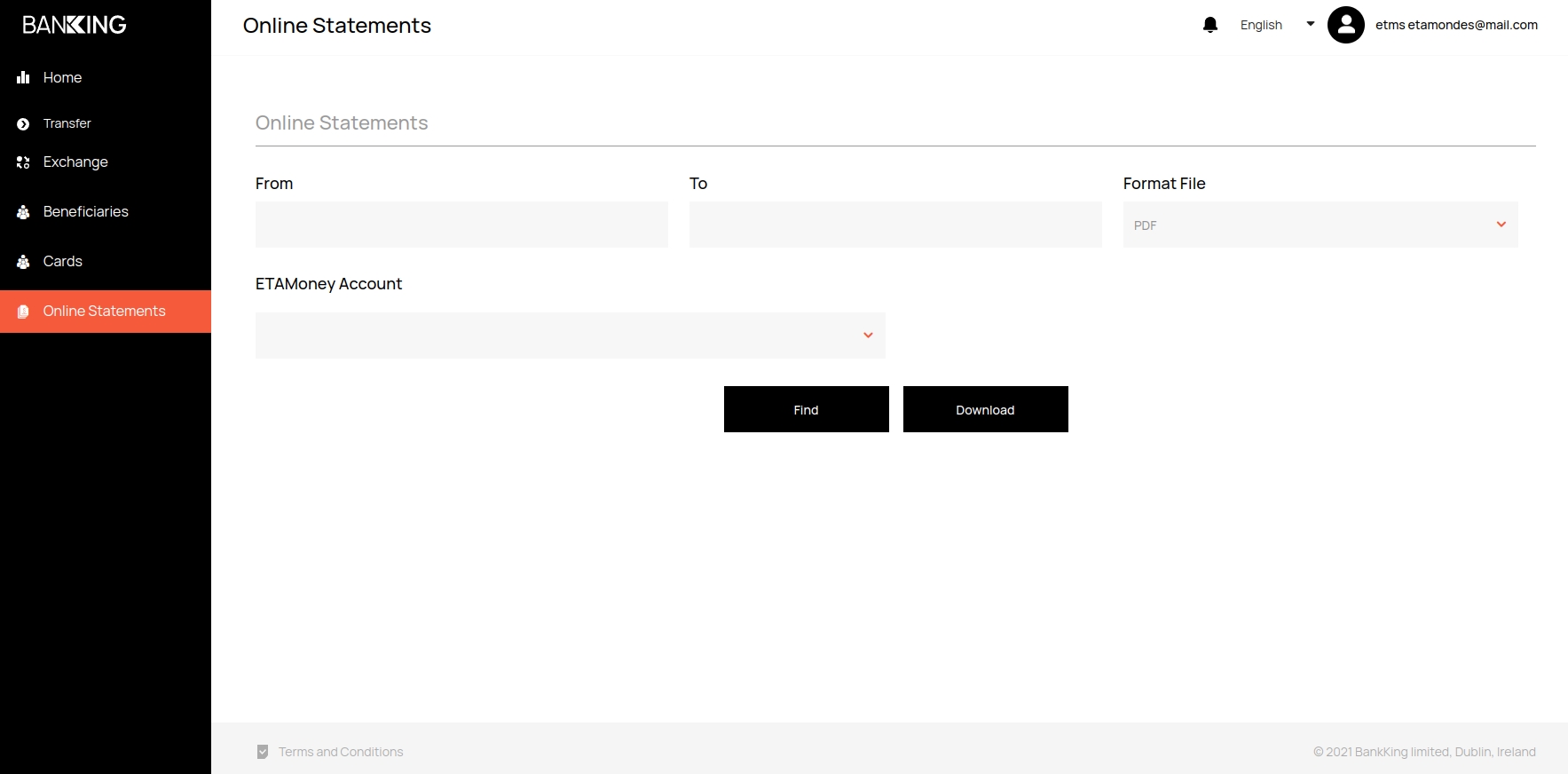
In order to generate an account statement, go to the
Online Statementstab
In the
FromandTofields, select the date interval that you want in the statement
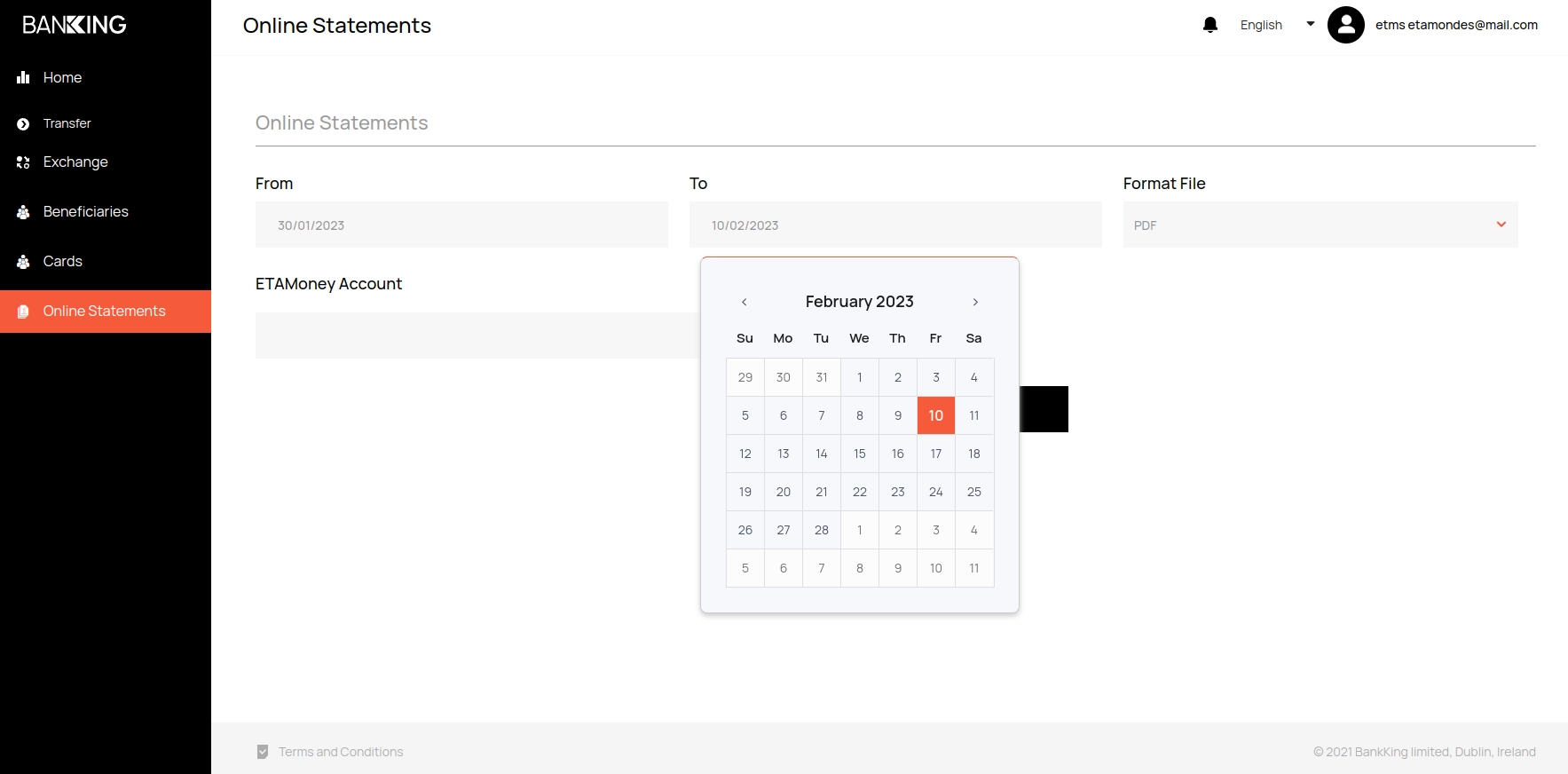
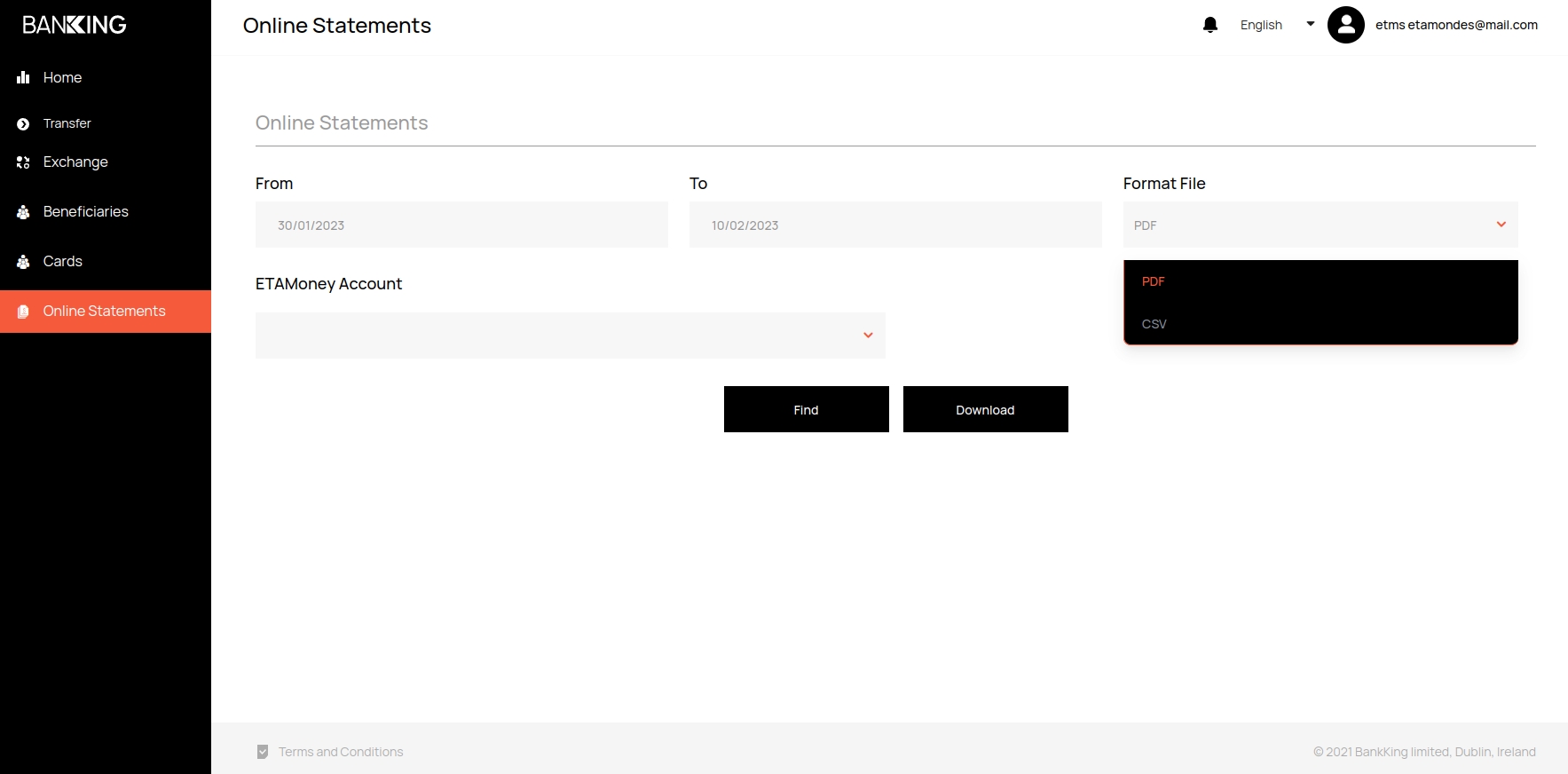
In
Format File, select the format of the statement in which you want to upload the file
Note
Available formats .PDF и .CSV
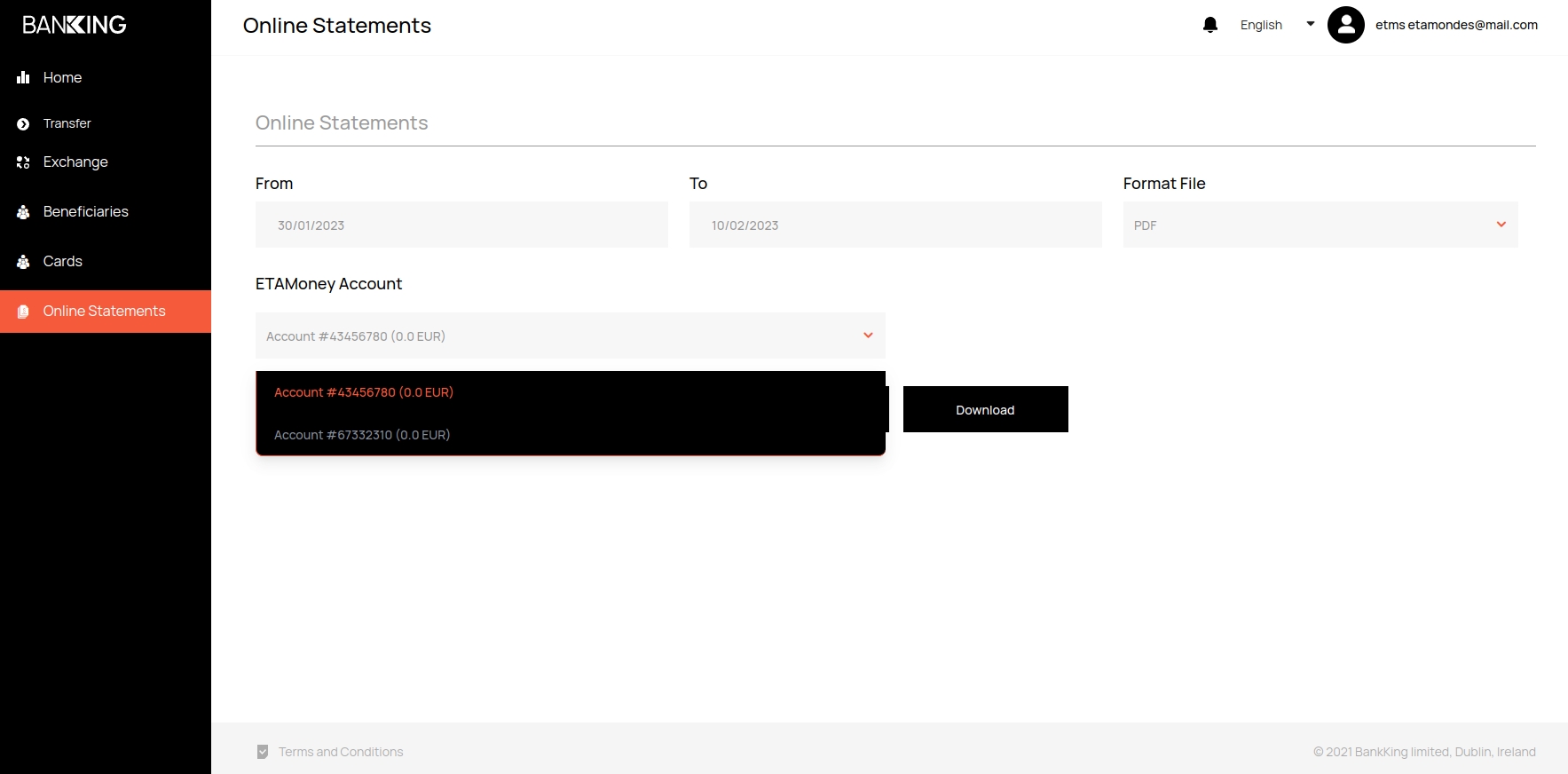
In the
ETAMoney Accountfield, select the account
Click on the
Findbutton to get information about the statement in your personal account
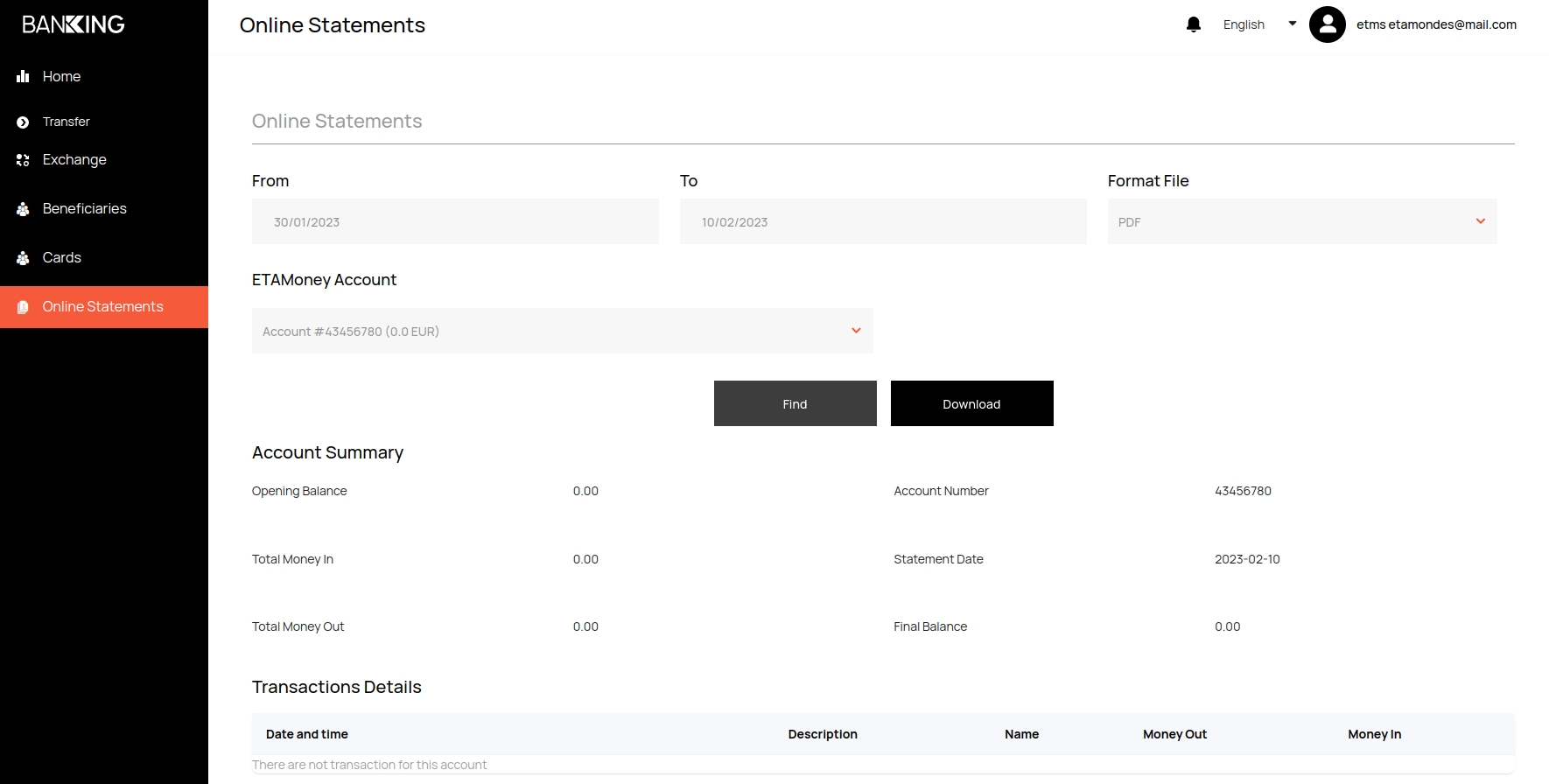
To download files in the specified format, click on the
Downloadbutton